
The Work-From-Home Desk Mat Guide
January 19, 2026
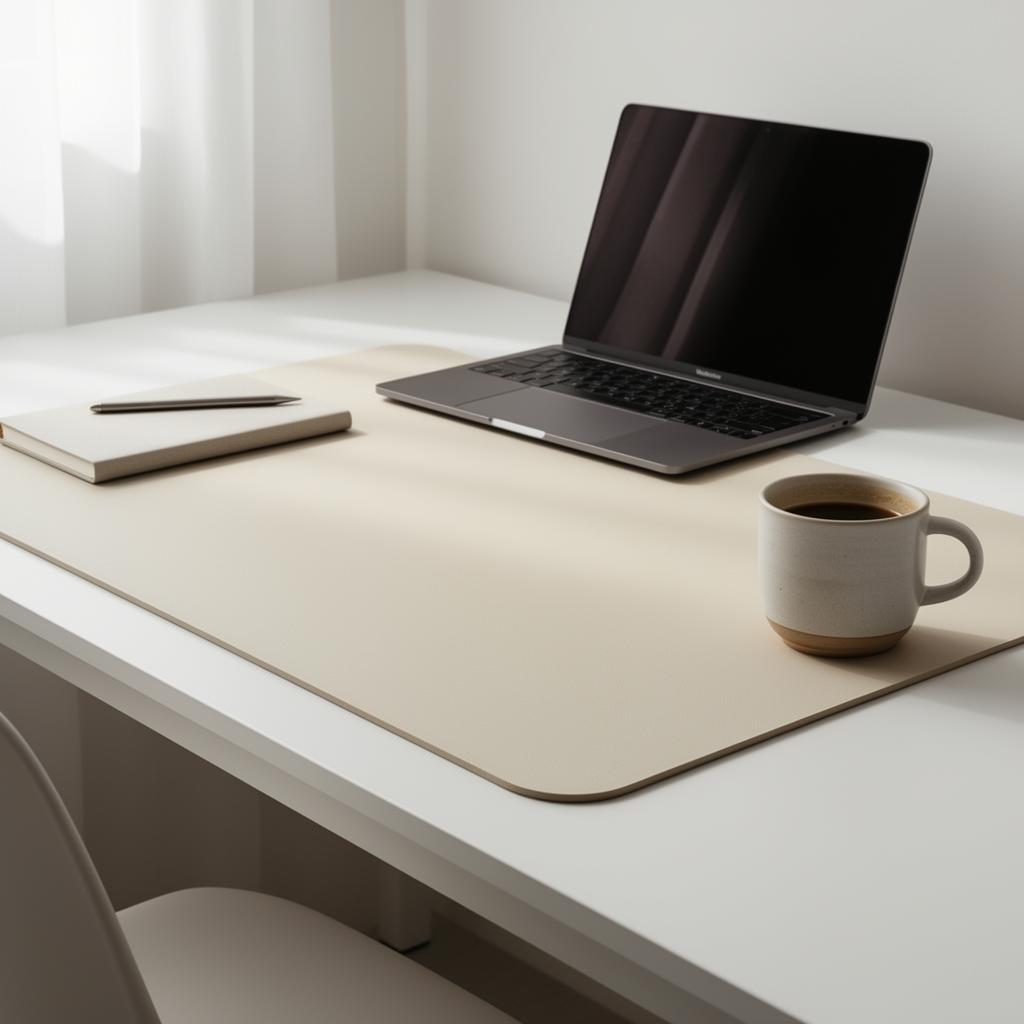
Why a desk mat changes how you work
A dedicated mat creates a psychological boundary between work surface and home surface. When the mat is rolled out, you're working. When it's rolled up, the desk is just a desk again. Remote workers swear by this ritual.
Pick the right palette
For WFH we recommend:
- Cream, sand, warm stone — calm, low contrast, easy on the eyes for 8-hour days
- Deep navy or charcoal — focused, professional, great for video calls
- Soft sage or terracotta — biophilic, lowers stress in long sessions
Avoid neon and high-contrast patterns — they fatigue your peripheral vision.
Sound matters
A fabric desk mat absorbs keyboard noise. If you're on calls all day, your mic picks up much less keyboard clack with a mat under your hands.
Size for WFH
- 800×300 covers laptop + mouse zone
- 900×400 covers external monitor + full keyboard + mouse
- 1200×600 covers dual-monitor + everything
Custom = brand-aligned
If you run client calls, a custom mat with your studio brand shows up beautifully on overhead camera angles.
Keep going
Like this? Get the next one in your inbox.
New journal posts, prompt packs, and artist drops. No spam, ever.