
The Ultimate Gaming Desk Setup Guide for 2026
March 23, 2026
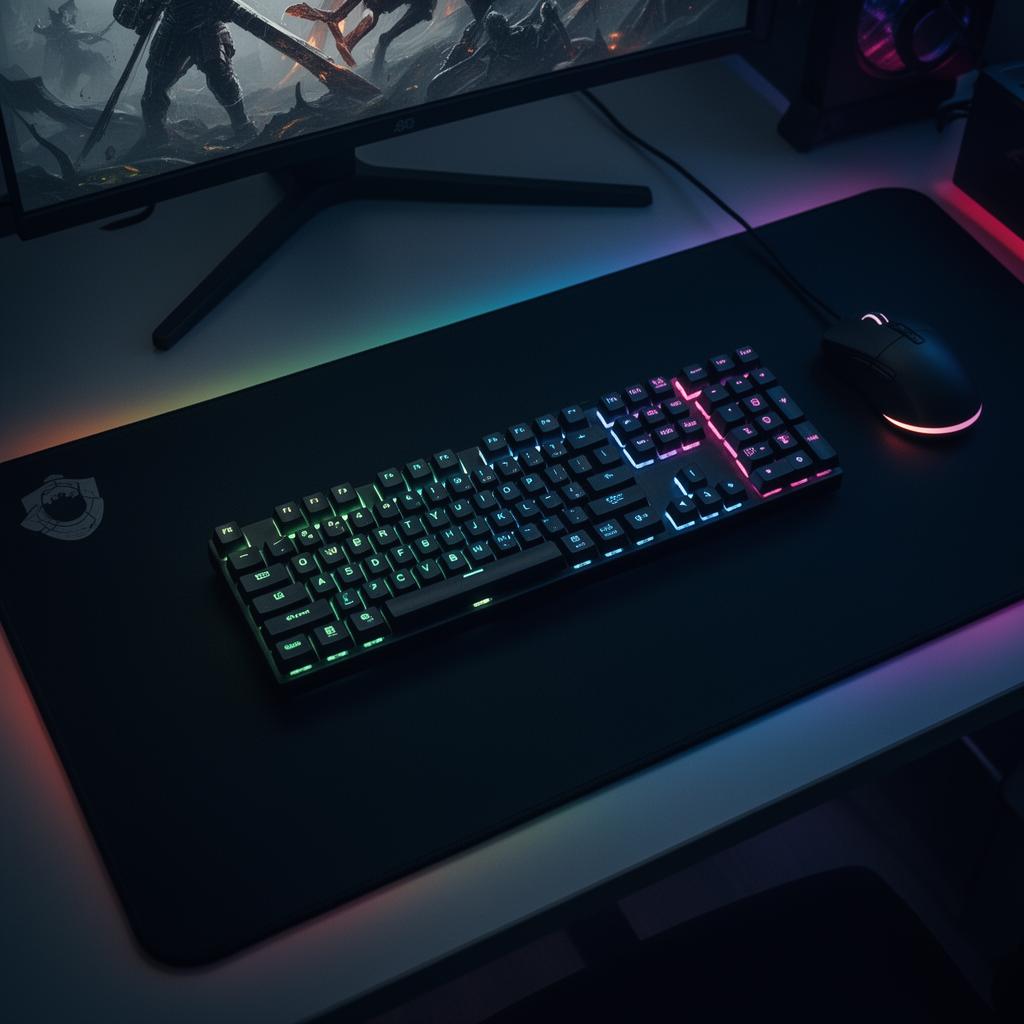
Start with the surface
Your desk mat is the foundation of the whole setup. It defines the color story, protects the desk, and sets the playing field for your mouse. Go bigger than you think — an XXL (900×400mm) mat anchors a 27" monitor and gives you full keyboard + mouse real estate without seams or edges in the wrong place.
Monitor height & distance
- Top of the screen at eye level
- 50–70cm from your face
- Slight downward gaze angle (≈15°)
If you can't hit that with the stock stand, get a monitor arm. It also frees up surface area for your mat.
Keyboard & mouse positioning
Keep elbows at roughly 90°, wrists neutral, mouse close to the keyboard so your shoulder doesn't reach. A full desk mat lets you place them anywhere without bumping the edge.
Cable management
Run a single power strip under the desk. Velcro ties beat zip ties — you'll re-route every time you upgrade.
Lighting
One bias light behind the monitor + one warm key light on the desk. Avoid overhead fluorescents — they kill the vibe and reflect off your screen.
The finishing touch
A mat with art that means something to you turns a generic gaming desk into a personal space. That's the whole point of designing your own.
Keep going
Like this? Get the next one in your inbox.
New journal posts, prompt packs, and artist drops. No spam, ever.